 By erome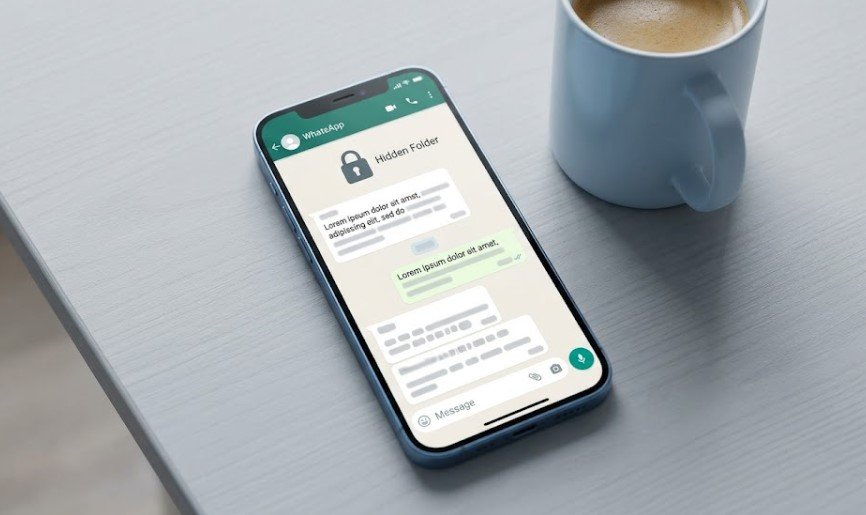
Introduction
WhatsApp is used by over 2 billion people, but most users only know the basics – sending messages, photos, and videos. However, in 2026, WhatsApp has quietly added several powerful features that few users know about. If you want to chat smarter, save time, and protect your privacy, these 5 hidden features are for you.
Related: Check out our Android hidden tricks guide here
1. Chat Lock with Secret Code (Even Hides Chats from Search)
Most people know Chat Lock, but did you know you can hide the locked folder itself?
Go to Chat Lock > Hidden folder and set a secret code. Now, your private chats will not even show up in search results.
Learn more from WhatsApp’s official guide: WhatsApp Chat Lock Support
2. Silence Unknown Callers Automatically (Stop Spam Calls)
Spam calls are rising in 2026. WhatsApp now has an inbuilt spam filter –
Settings > Privacy > Calls > Silence Unknown Callers
Enable it. Calls from unknown numbers will not ring; they will appear in your call list silently.
For more security tips: Safety guide by WhatsApp
3. Edit Messages Without Showing “Edited” (But Only for 15 Seconds)
You already know you can edit messages, but here is the hidden part:
If you edit within 15 seconds, WhatsApp will not show the “edited” tag. After 15 seconds, it shows “edited”.
So type carefully – you have a 15-second free correction window.
Reference from WhatsApp’s official Twitter: WhatsApp on X (Twitter)
4. View Once Media – Now Works on Desktop (Finally!)
Earlier, “View Once” photos or videos could not be opened on WhatsApp Web or Desktop.
In the 2026 update, you can now view once media on PC – but still no screenshot prevention.
Download WhatsApp Desktop latest version from: WhatsApp Download
5. Disappearing Messages with Multiple Timers (Not Just 24 Hours or 90 Days)
Now you can set custom timers like 1 hour, 2 days, or even 10 weeks.
Go to chat > Contact info > Disappearing messages > Choose Custom. This is perfect for temporary group discussions.
Read more about disappearing messages on: WhatsApp FAQ
Bonus Tip (2026 Exclusive)
You can now pin multiple messages in a chat – up to 3 messages.
Long press on any message > Pin. This is great for saving important addresses or OTPs.
Final Words
WhatsApp keeps adding features quietly. Most users never explore beyond basics. Try these 5 hidden features today and make your WhatsApp experience faster, safer, and more private.
Share this article with friends who still use WhatsApp like it is 2020.
You may also like: 5 Things You Shuld Never Do If You Want Your Android to Last for Year